Parts
Plan the parts. Track the purchase.
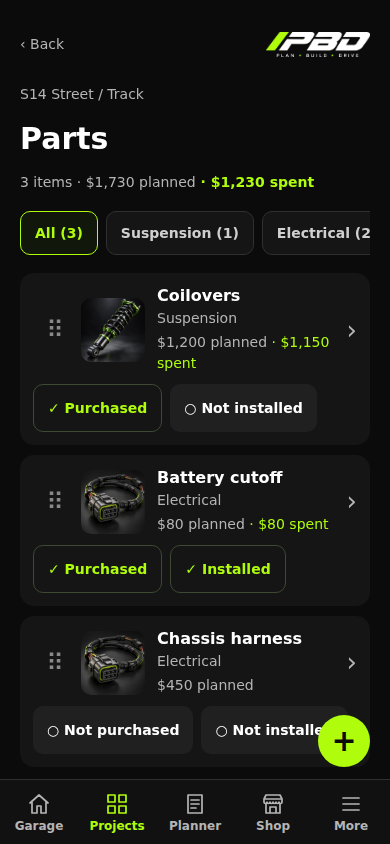
Organize parts by category, record purchases and track installation separately.
App preview. Screens may change before beta.

PBD / Features
Your projects, parts, tasks and expenses. Organized in one app.

Parts
Organize parts by category, record purchases and track installation separately.
App preview. Screens may change before beta.
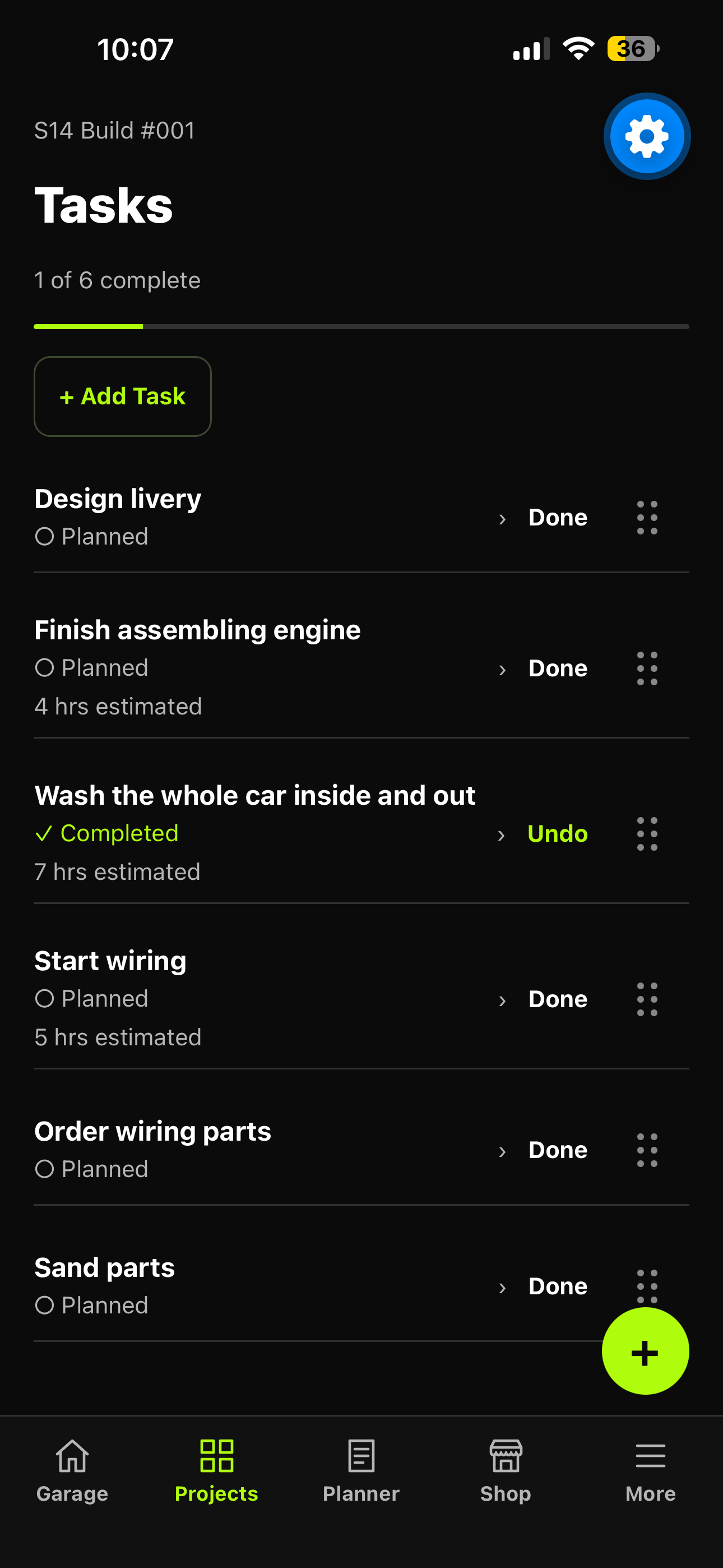
Tasks
Keep tasks organized, record estimated hours and costs, and mark completed work.
App preview. Screens may change before beta.
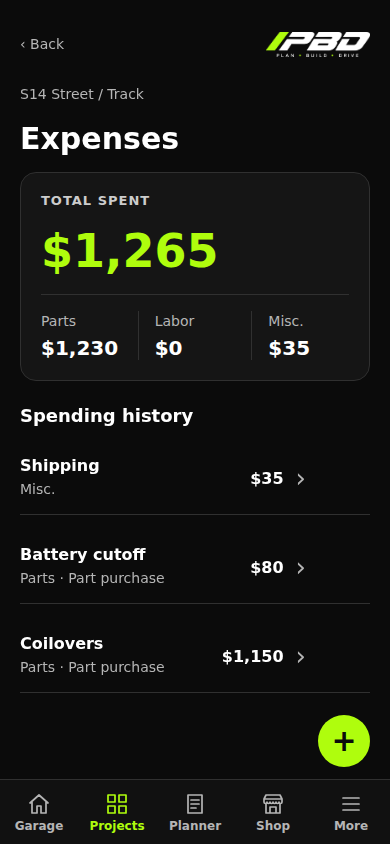
Expenses
Review recorded parts, labor and miscellaneous spending against the right project.
App preview. Screens may change before beta.
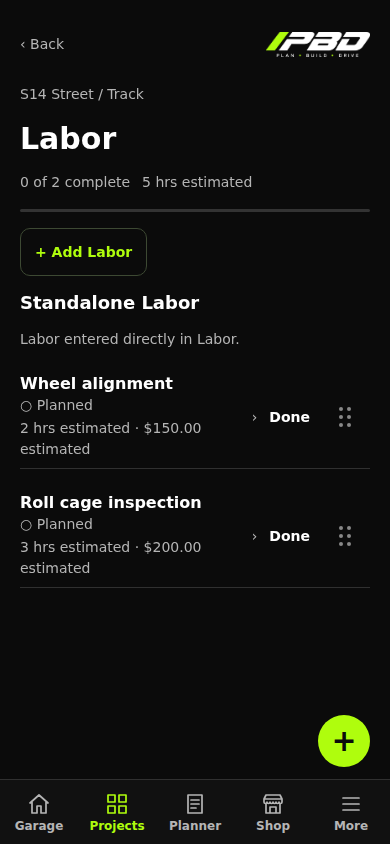
Labor
Organize standalone labor jobs with estimated hours, costs and completion status.
App preview. Screens may change before beta.
Keep the details with the right vehicle.
Create separate projects with their own vehicle details, goals, parts, work and expenses. Move between builds without mixing their records.
Buying it is only one step.
Organize your parts by category, record planned and purchase costs, and track purchase and installation separately.
Make the next job easier to find.
Keep tasks and labor organized around the project. Record work, hours, costs and completion as the build moves forward.
Give every expense a home.
Track parts, labor and miscellaneous expenses. Review project spending alongside planned costs and the build budget.
Understand the inputs you enter.
The optional Financial Planner organizes your monthly figures using rough totals or optional breakdowns. It calculates from information you provide, separately from project expenses. You decide how to use the results.
Use one selected input method for each estimate. Rough totals and detailed categories remain saved separately. Planner estimates use your entries across projects; they are not a promise of affordability or advice about what to spend.
Know what you have and what you need.
Keep a garage-wide tool list with Have/Need status, categories, notes and custom tools.
PBD is being prepared for mobile and desktop browsers, with the same project tools planned for both.
The browser version will let you sign in and use PBD on your PC without installing the phone app. Beta access is coming soon.
Beta coming soon